


Many users who want to use Facebook Marketplace notice that the Marketplace tab is not visible or active in their accounts. This is usually related to the platform’s usage criteria rather than a technical error.
Understanding why Facebook Marketplace is not showing up and how to activate it can help you resolve the issue quickly and effectively. This guide explains why Facebook Marketplace may not be visible and how to activate it in a clear and practical way.
Why is Facebook Marketplace not showing up?
Facebook Marketplace not showing up is often caused by a temporary or account-related issue. Marketplace is not automatically activated for all accounts, and access is granted according to certain criteria.
One of the most common reasons is that the account is not yet eligible for Marketplace. The Marketplace tab may not appear, especially for newly created accounts or accounts with limited engagement.
Location information, age requirements, and Facebook’s community standards can also affect access to Marketplace. This does not necessarily mean the account is permanently restricted; in many cases, it is part of a system-based review process.

Who Can Access Facebook Marketplace?
Facebook Marketplace becomes available for accounts that meet certain usage criteria. These criteria are designed to create a safe and reliable environment on the platform.
Account age and usage history
Marketplace may not appear immediately on newly created accounts. Active use of the account over time is an important signal for Marketplace access. Regular engagement, real user behavior, and account history can support this process.
Location and age criteria
Facebook Marketplace is a location-based feature. The location information on the account must be set to a supported region. Marketplace access is available only for accounts that meet this requirement.
Users must also meet Facebook’s age requirements to use Marketplace. Accounts with unclear or incomplete age information may have restricted access.
Compliance with community rules
Compliance with Facebook’s community standards is important for Marketplace access. Behavior that violates the platform’s rules or past account restrictions may cause Marketplace to stop appearing temporarily.
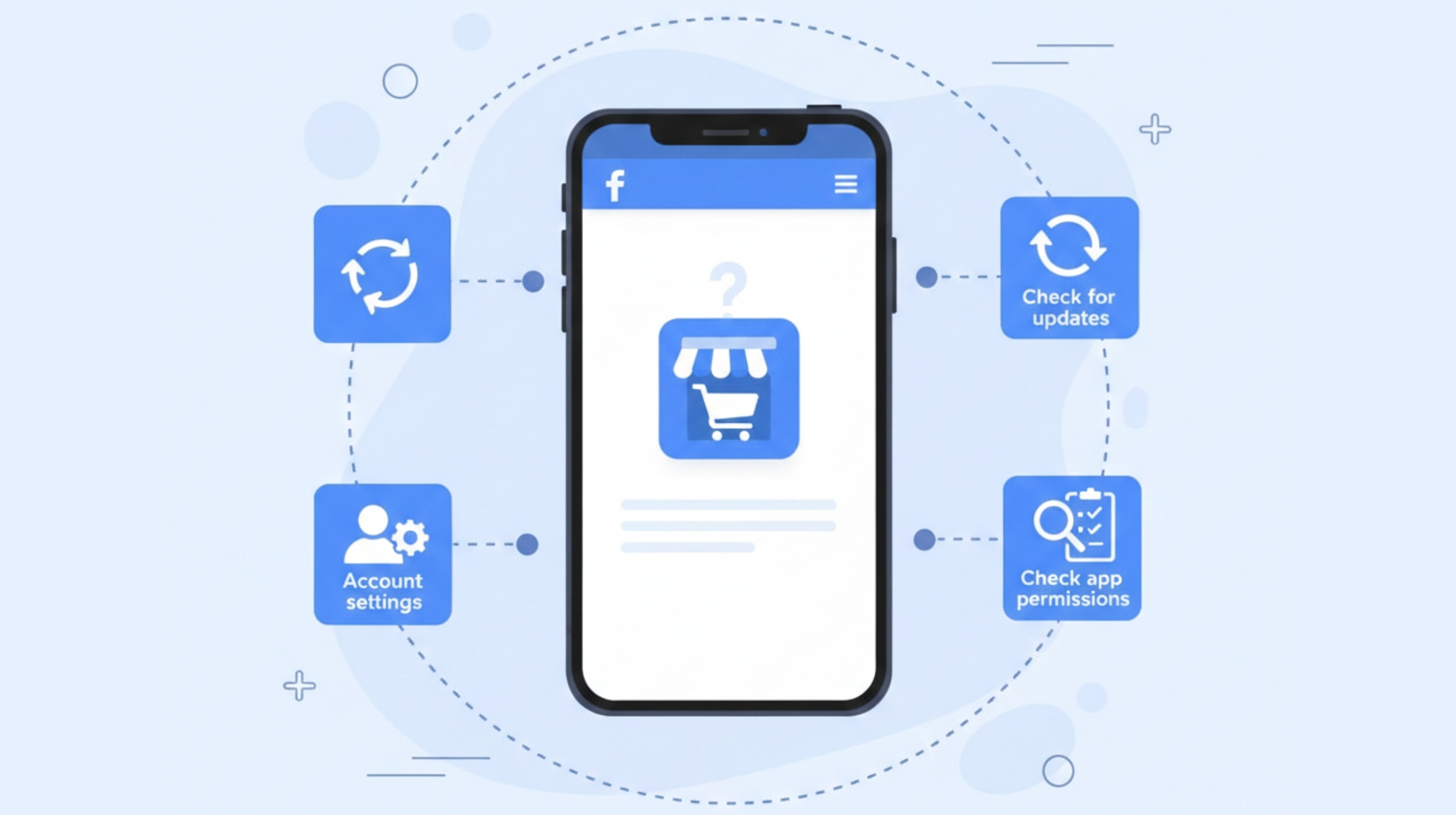
How to Activate Facebook Marketplace
Facebook Marketplace usually becomes active automatically. However, in some cases, users can improve access by performing a few basic checks.
Control via mobile application
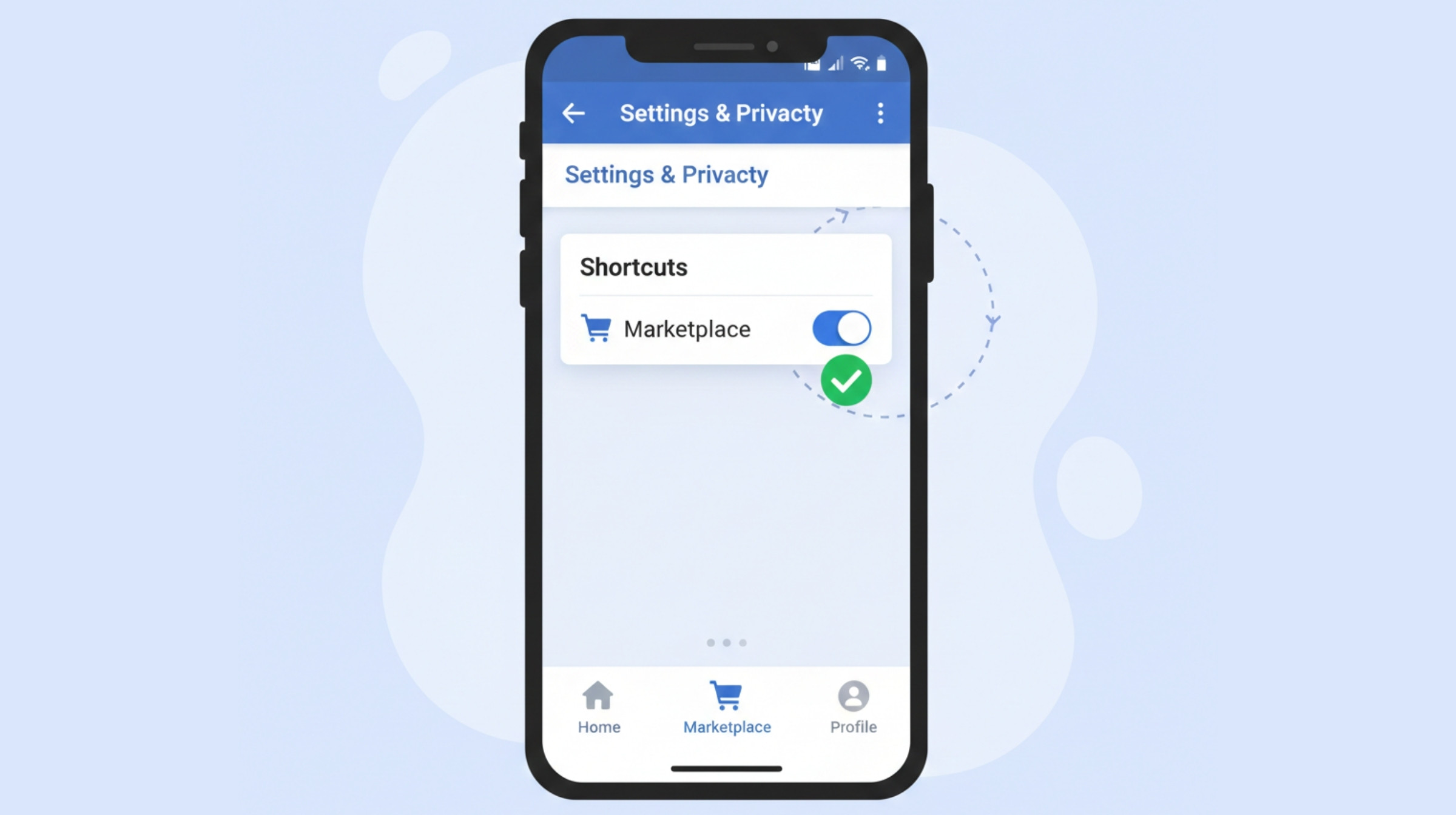
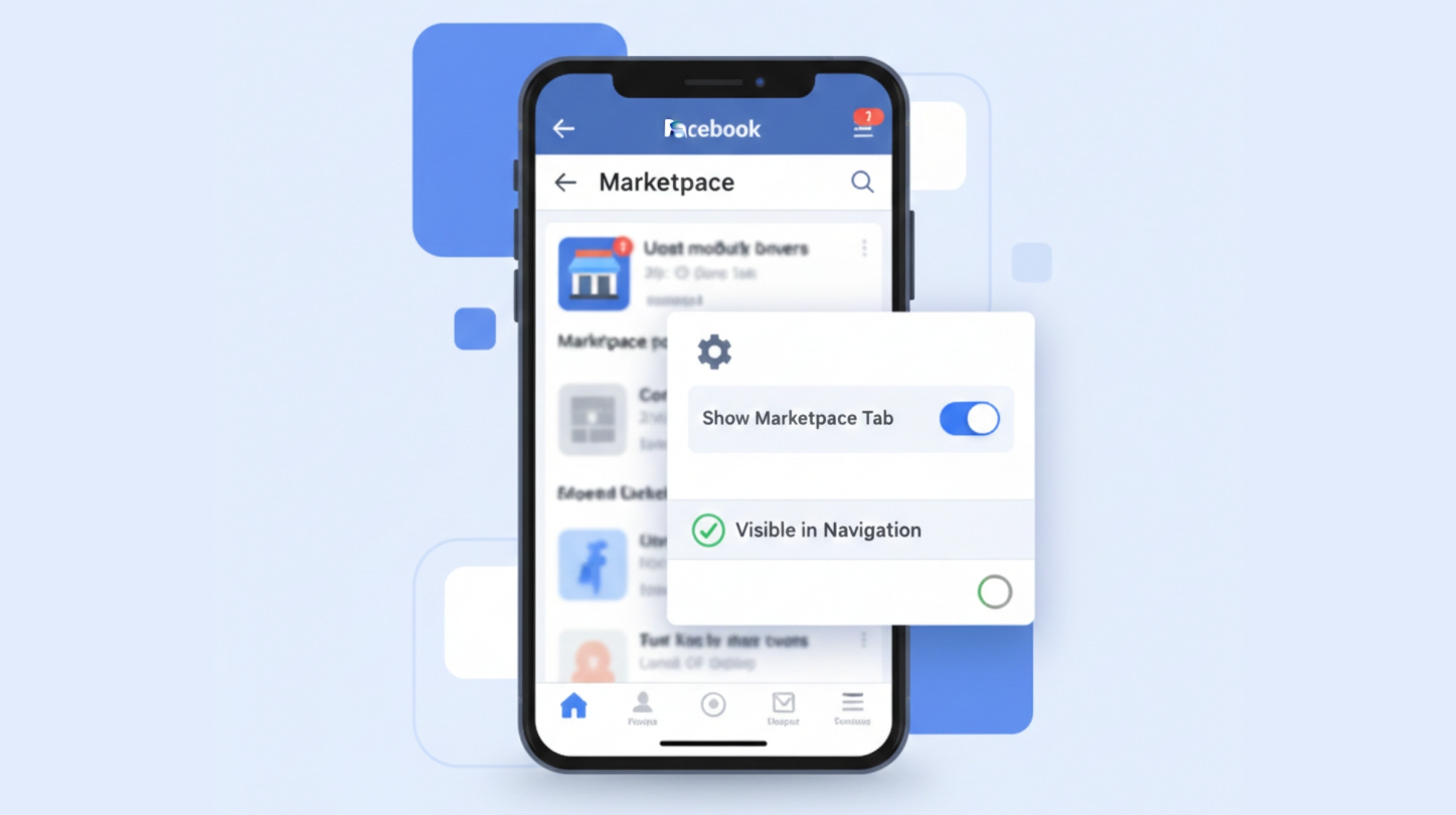
If Marketplace is not visible among the tabs in the bottom menu of the Facebook mobile app, check the menu customization area. It is also important to use the latest version of the app, since older versions may not display all features.
Marketplace access on desktop
When you log in to Facebook on a computer, the Marketplace tab usually appears in the left-hand menu. If it does not appear, check the “More” section. Trying a different browser can also help clarify whether access is available.
Account settings and visibility controls
Complete account information and accurate age and location details support Marketplace access. When this information is updated, Marketplace may become visible automatically over time.
What to Do If Facebook Marketplace Is Not Working
Facebook Marketplace not working is often not a permanent problem. In many cases, the issue can be resolved through a few simple checks or may fix itself over time.
First, check whether the Facebook app is up to date. Outdated versions may cause the Marketplace tab not to appear. Updating or restarting the app can help clarify whether access is available.
Temporary account-related restrictions can also affect Marketplace access. Following Facebook’s community guidelines can help prevent these situations. In addition, logging in from a different device or browser can help determine whether the issue is caused by the app.
Marketplace not showing up does not always mean a permanent restriction; in most cases, it is part of Facebook’s review process.
When does Facebook Marketplace automatically turn on?
The time it takes for Facebook Marketplace to open automatically may vary depending on the account and its usage history. For newly created accounts or accounts with limited engagement, it may take time for Marketplace to appear.
Usually, once an account builds enough usage history, Marketplace access is activated automatically, provided that location and age information are clear. During this process, no extra action is usually required from the user.
It is not possible to give an exact date for when Marketplace will appear. However, once the platform’s criteria are met, access is granted automatically. For this reason, the best approach is to continue using the account naturally rather than trying to force the process.
How to Avoid Facebook Marketplace Access Problems Again
Continued access to Facebook Marketplace is closely related to the account’s general usage habits. Using the platform naturally and consistently can reduce the chance of access issues happening again.
It is important to keep account information up-to-date and accurate, and to make sure age and location details are clearly defined. In addition, using Facebook not only for buying and selling but also as a normal social platform may create more positive signals for the system.
Following community guidelines consistently and maintaining balanced interactions on the platform can support continued Marketplace access.
Using Facebook Marketplace More Effectively
Using Facebook Marketplace successfully is not just about technical settings, but also about how you approach the platform. Viewing Marketplace as a natural part of Facebook use, rather than as a one-time feature, can improve both reach and continuity.
Keeping account behavior balanced, maintaining natural interactions on the platform, and treating Marketplace as an extension of your overall digital presence can create a healthier user experience. This approach not only reduces access issues but can also improve results from Marketplace.
Strategic Digital Power for Brands and Individuals
The right strategy makes all the difference for brands and individuals who want to create a more professional, sustainable, and effective structure in e-commerce and digital channels. At Pella Global, we strengthen brands’ digital journeys with a holistic approach, from digital advertising management and effective social media strategies to SEO efforts that increase visibility for the right keywords and performance-oriented digital solutions.
Other topics related to Facebook Marketplace
What is Facebook Marketplace? How to Use It in Turkey?
Is Facebook Marketplace Safe? Safety Tips for Buyers and Sellers
Facebook Marketplace Tips for Increasing Sales and Visibility in Türkiye
