


When a website isn’t generating sales, price is usually the first thing blamed. In reality, the issue is rarely price, it’s perceived risk. Before a visitor ever says, “this is too expensive,” they ask a more fundamental question: “Can I trust this?”
When a website feels untrustworthy, visitors pause. They hesitate and they don’t move forward. Forms go unfilled, payments aren’t completed, and quote requests are postponed. Because in digital buying decisions, conversion largely depends on how much risk the website is able to reduce.
In this guide, we will address:
- The direct impact of trust on sales funnel,
- What are the perceived risks of the users of a web site,
- The pitfalls to avoid to build trust, and
- Steps of improvement that can be made in a short period of time.
It is not about having a better looking site, but rather it is about making the site look more credible and more marketable.
Trust in the digital world = Reduction of Risk
Users are reassured in the digital world, not persuaded. Since the visitors cannot physically touch the product or have any face-to-face communication with the seller as they do in a store. Thus risk is the pivotal concern in the backdrop of a purchase decision when it comes to the question: What risk am I taking here?
The more the credibility of the web site the less risk is perceived by the user- and the easier the sale.
What is the perceived risk of the visitor?
When a visitor comes to your site, they tend to unconsciously consider the risks that the following might be:
- Card security: Is my card data secure? Is it worth paying at all?
- Sharing of information: Will my information get to spam in case I fill out a form, or will I be contacted without my consent?
- Quality of products/services: Is the quality of what I will offer the same quality as what is offered?
- Return/contract uncertainty: What would I do when I am not satisfied? Does it have a policy of returning? is the procedure clear?
- Risk of not getting support: Can I contact someone in case of an issue?
In case such questions have not been answered in a way that can be understood and seen visually, the user will pull out, not deliberately, but intuitively.
Effects of Trust on Sales (Funnel Logic)
Distrust has a direct effect on the whole sales funnel, both at the top and bottom:
- When the level of trust is low: The ads are clicked or the natural results are clicked, though the CTR reduces.
- The user time on the page is shortened.
- They click out without going through what was written or leave the form midway.
- Outcome: The rate of completion and purchasing of the form lowers.
Thus the conversion button is not always the problem, but the gaps of trust created by the process of reaching it.
Why Sales Become Difficult When a Website Lacks Trust? (7 Key Reasons)
The absence of trust reduces and makes the whole process of sale more expensive, not only in a point:
- Decision time increases
The user doesn’t decide immediately, delaying the process by saying “I’ll look at it later.” - Increase in comparisons of competitors
No trust means the only criterion will be price and price pressure will be high. - Abandonment rate of forms goes up
The user decides not to share his or her information at the nick of the time. - Abandonment rate of carts grows (e-commerce)
Uncertainties regarding trust during the payment-stage cause a cart abandonment. - Quality of first contact lead is reduced (B2B)
There are low intent leads who are simply window shopping, rather than decision makers. - Brand perception is harmed
A site which lacks credibility also makes the advertising budget go down the drain. - The effect of word-of-mouth declines
The user will also not refer to the site wholesale even when he or she is satisfied and this will reduce reviews and recommendations.
Most Common Website Issues That Undermine Trust
Trust in the digital world is based on the first impressions. Interfaces that were not constructed by a professional web design agency or those that appear cluttered or aged give a feeling of uncertainty in the user. The majority of the trust issues are caused not by critical crises, but by minor errors.
Design and content related
- The sense of copy text, which permeates everything and is not unique.
- Poor-resolution or stock-like pictures.
- Inconsistent brand language and tone between pages
- “What do we offer?” unspecified offers not giving definite answers on inquiries.
At this point, the user thinks: “This site is just like the others…”
Lack of work in strong brand identity, inconsistent colors, text in varying tones, and disjointed visual language is all indications of lack of the work and loss of trust.
Technical problems and experience-related issues
- Slow-loading pages
- Overflowing, broken, or difficult-to-use areas on mobile
- Broken links, 404 pages
- Browser or security warning.
Even when the cause of technical issues is not known, they are seen as a clear indicator of mistrust in the eyes of the user. In many cases, the weakness of UX/UI design is more decisive than technical mistakes in raising the rate of form abandonment.
Lack of transparency
- Inability to state price, delivery or returns or process
- The maintenance of contract, policy or warranty information confidentiality
- The lack of contact details (address, phone number, real person)
When transparency is missing, users are more likely to feel that important information isn’t fully clear. In digital environments, this perception directly reduces trust and makes conversions harder.
Common Characteristics of Trust-Building Websites (15 Trust Signals)
Users rarely say out loud that they trust a website, they show it through their behavior. Beneath that action are minor yet significant trust signals that they subconsciously pick on as they browse. With these elements combined, perceived risk decreases at a fast rate and conversions follow.
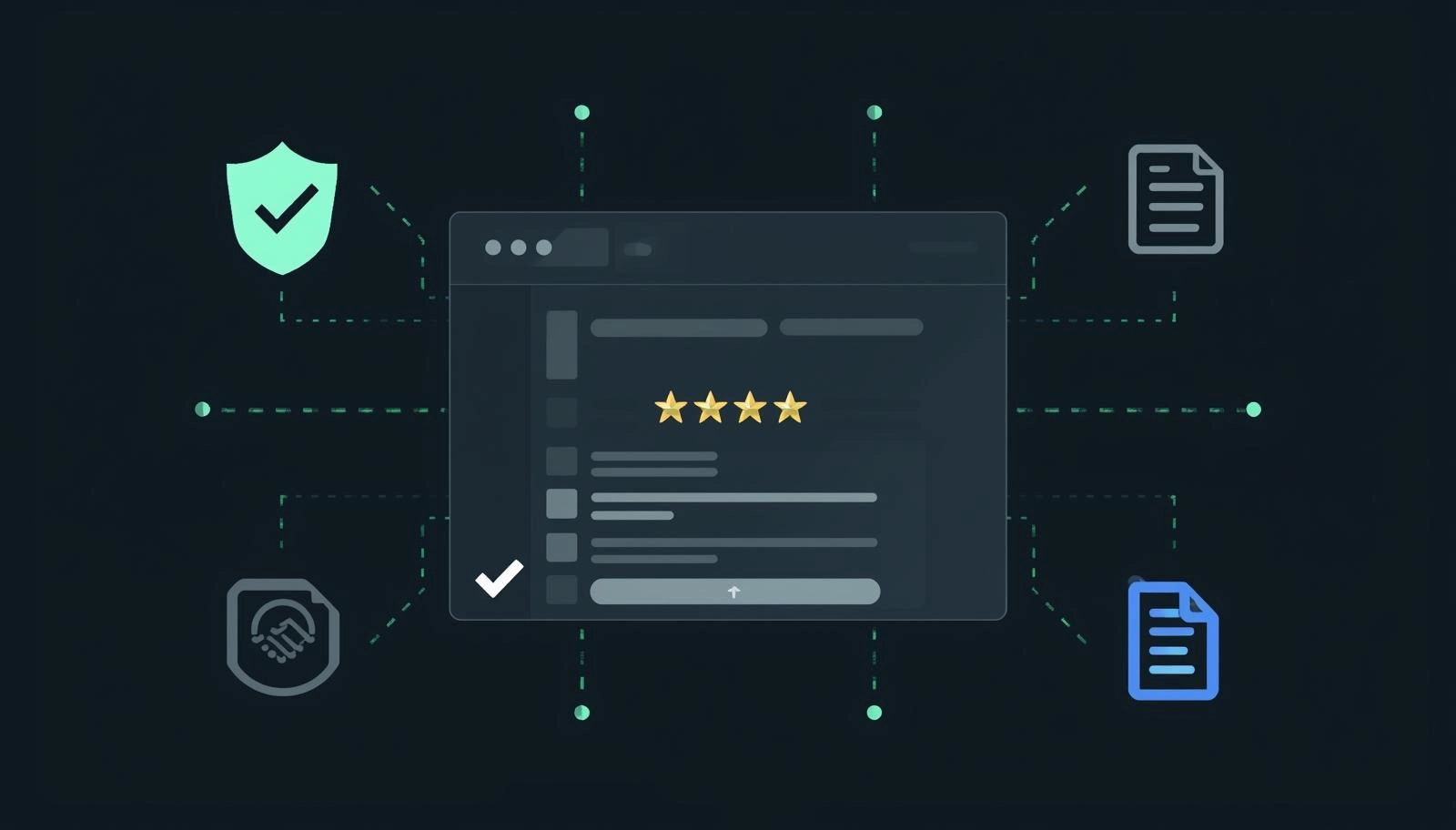
1) Identity and transparency
The basis of trust is clearly demonstrating to the user that he or she is interacting with a legitimate organization that is real.
- Company name and legal details
- Physical address and accessible contact information
- Reachable phone number and professional email address
- Visibility of the team, founder, or leadership (name + photo)
The About Us page plays a key role. It must not be merely a company history and it must also contain:
- A short, human story
- Your area of expertise
- An explicit definition of your reasons of doing things.
- Hard evidence to back these arguments.
When effectively done, this goes a long way to hasten trust.
2) Social proof
Instead of saying “we’re good at what we do,” letting others say it for you is one of the strongest trust signals.
- Client logos
- Real-life testimonials (not pseudonymous).
- Reviews and ratings
The next step further is case studies, which obviously prove worth:
- Before / after scenarios
- Quantifiable outcomes (cost, performance, time)
- Loyal conclusions that are clear and result-oriented.
These assets move users from “I’m not sure” to “This could work for me.”
Trust is developed far more quickly when case studies, references, and educational contents are created in line with a planned content marketing strategy.
3) Process clarity and expectation management
One of the quickest means of losing trust is uncertainty. Users would want to know what is going to happen prior to their commitment.
- Good description of service or purchase process
- Clear schedules and scope
- The way the cooperation begins and develops
- Properly designed FAQs (frequently asked questions)
The more the process is made transparent, the more the users feel in control – and confident.
4) Legal indicators and security
In case of the lack of technical and legal components or their concealment, the users can see it right away.
- SSL security (HTTPS)
- Privacy and cookie policies
- Compliance with data protection (e.g., GDPR).
- Distance sales or terms of service (e-commerce)
Badges of payments, logos of banks, or security seals might be useful, however, only when they are used correctly and sparsely. Excessive use may work against you.
5) Usability and accessibility
An in-user-friendly site can make a false impression that is inclusive of mistrust.
- Intuitive easy navigation
- Defined and coherent calls-to-action
- Brief, interruption-free forms
- Live chat or WhatsApp or fast contact
The users must feel that one can get help instantly when they need it.
How Trust Signals Differ Between B2B and B2C
Not all business models are based on similar trust factors. Priorities change depending on the situation.
What matters most in B2B
- In-depth case studies
- Certifications and association
- Focus on competency-based and professional teams
- Open processes and proposal-processes
- Easy lead flow or quote request flow
In business to business, trust is normally achieved when the decision makers feel that they have the calculated risk.
What counts in most in B2C / e-commerce
- Well-defined policies of returns and exchange
- Clearly defined shipping and delivery schedules
- Several payment methods that are safe
- Authentic customer reviews
- Realistic images of products of high quality
In this case, trust is frequently a determining factor in the last stage – the checkout screen.
How to Tell If Your Website Has a Trust Problem
Pricing and traffic do not always cause a sales problem. User behavior often tells the real story.
Behavioral indicators
- High bounce rate
- Low time on page
- Abandoned forms
- High cart abandonment rates
- Low return visitor rate
When these signs are combined, then the problem is likely to be lack of trust.
A simple check
You do not have to engage in any deep analysis, but just try the following:
- Test the mobile experience
- Run a speed test
- Carry out a 10 minutes usability test on three individuals.
(“Would you trust this site? Why or why not?”)
The responses are usually too obvious.
A 7-Day Fast Action Plan to Increase Trust on a Website
Some of the key improvements do not necessarily take extensive projects.
Days 1-2: Fix critical pages
- Homepage
- Service or product pages
- Contact page
- Payment, delivery and return data.
Begin with the pages on which there are most decisions made.
Days 3-4: Add social proof
- At least three strong testimonials
- One detailed case study
- An apparent section of client logos
Allow users to find the answer to: Who are you?
Day 5-7: UX and form optimization
- Focus on one primary CTA
- Elaborate on form fields to a minimum.
- Add reassuring microcopy
(e.g., “Please respond within 24 hours,” “Your information remains confidential, etc.)
Such minor adjustments would go a long way in perception of risk reduction– and sales will tend to naturally follow.
Final Checklist
SSL active, no security warnings
Mobile-friendly + fast loading
Contact information visible (phone, address, email)
Net value proposition (first screen)
References + comments + case studies available
Process/delivery/return policies are clear
GDPR/cookie/privacy pages available
Forms are short and understandable
CTAs are consistent and guiding
No error pages/broken links
Conclusion: Not a Sales Problem, a Trust Problem
If a website isn’t generating sales, it’s not always an issue of the product, price, or traffic. More often, even if users don’t consciously articulate it, they feel one thing: “There’s a risk here.” Lack of trust lengthens decision-making, increases comparison behavior, and leaves forms and shopping carts abandoned. The good news is this: trust is not an abstract concept.
With the right signals, clarity, and transparency, trust can be measured, improved, and converted into sales. Small but well-placed improvements can simultaneously boost ad efficiency, conversion rates, and brand perception. Brand trust also extends beyond the website itself–visibility, news coverage, and third-party sources all shape this perception. At this point, support from a digital PR agency plays a critical role.
Let’s audit your website from a trust and conversion perspective using a 10-point checklist, then deliver a prioritized fix list and a clear 30-day action plan.
To get clear answers to the questions “Where is trust being lost, and where should we start?“, contact us via our contact page.
